Taglionix
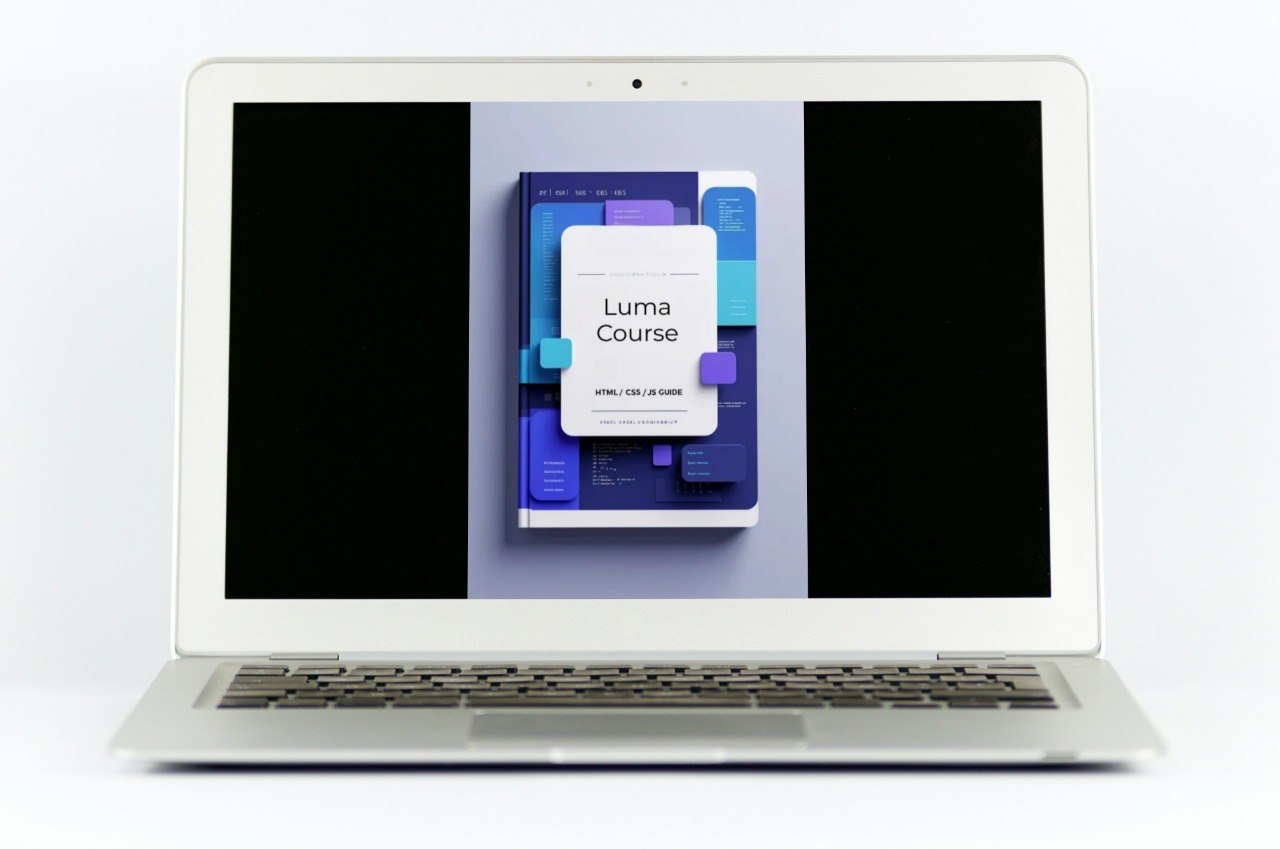
Luma Course
Luma Course
Couldn't load pickup availability
- 💾 Digital file available after purchase
- 📚 Long-term availability
- 🔐 Secure checkout
- 🛠️ Content updated in 2026
Self-paced learning overview
1. Problem Statement
When a person moves from basic exercises to a fuller page, visual consistency often becomes a challenge. HTML may be written correctly, CSS may contain the needed rules, and JS may perform a simple action, but together everything can still look uneven: different spacing, mismatched buttons, random card sizes, and a section order that is not fully clear. Because of this, a page can feel more complicated than it really is. Another issue is maintaining the code after several edits, when it becomes hard to quickly find the needed block or understand which class controls a specific visual detail. That is why, at this stage, it is important to learn not only how to write code, but also how to keep the page structure clear.
2. Solution
Luma Course is built around the idea of a bright, readable, and calmly organized page. The materials help connect HTML, CSS, and JS so each part has a clear role: markup handles content, styles handle appearance, and JS handles small changes after a user action. You work with examples where sections, cards, buttons, text blocks, and interactive elements do not exist separately, but form one learning composition. This format helps you better see why a page looks the way it does and how small decisions affect the overall impression. The tier suits those who want to move into more careful work with visual structure and page behavior.
3. What’s Inside
Luma Course includes an expanded set of materials dedicated to creating a tidy learning page with HTML, CSS, and JS. The first section focuses on the HTML base. You review how to form an intro block, a description section, a card group, a block with learning points, a question section, and a small contact section. Each example explains how to place elements so the code stays readable and does not become a confusing sequence of tags.
The second section is dedicated to CSS styling with a focus on visual order. The materials explain spacing between sections, inner spacing, container width, card grids, font settings, color accents, borders, and rounded corners. You see how repeated elements can share a common base, while separate blocks can have small differences through extra classes. This helps keep the page more unified and reduces randomness in styles.
The third section focuses on layout. You study how to place sections one after another, how to set the rhythm of a page, how to avoid excessive spacing, and how to keep blocks from competing with each other. Special attention is given to cards: how to align them in a grid, how to keep a similar height where suitable, how to style headings inside cards, and how not to overload each element with extra details.
The fourth section adds JS as a small part of interaction. You work with examples where a button shows an additional description, switches a class, changes a label, or opens a short answer in a question block. The materials explain how JS relies on prepared HTML structure and CSS classes. The goal is not to add as many actions as possible, but to make each action understandable.
The practice part of the tier is built around creating a learning page with several blocks. You start with the frame, gradually add styling, work with repeated elements, review spacing, and then add one or several simple actions. Each stage includes an explanation: what changes, why this step comes after the previous one, and how it affects the next part.
A separate block in Luma Course is dedicated to editing. You review situations where a page already exists but needs to become tidier: removing unnecessary wrappers, joining repeated styles, clarifying class names, aligning sections, or checking whether JS is tied to a random element. This helps you see code not only as something written once, but as material that can be calmly improved.
The tier also includes self-review notes. They help you evaluate whether the section order is clear, whether there are too many different styles for similar elements, whether class names are readable, whether it is comfortable to return to the code later, and whether each button has a clearly connected action.
4. Who Is This For?
Luma Course is for people who already know the basic topics of HTML, CSS, and JS and want to work with a fuller page. This tier is for people who want to better understand not only separate fragments, but also the overall page composition: where to place a section, how to style cards, how to maintain a consistent rhythm, and how to add a small interaction.
It can suit beginners who have already created simple blocks and want to move into more complete learning examples. The tier can also fit designers, content specialists, small site owners, and anyone who wants to better read and edit basic page code. Luma Course is created for those who value clarity, structure, practice, and a calm learning pace.
5. What You’ll Learn
- How to create a page from several logical sections.
- How to maintain readable HTML structure.
- How to style intro blocks, cards, lists, and question sections.
- How to work with spacing, containers, and grids.
- How to create a visual rhythm for a page.
- How to use shared CSS rules for similar elements.
- How to reduce random style repetition.
- How to add small JS actions to prepared blocks.
- How to check the connection between a button, class, and CSS state.
- How to edit an existing page without chaotic changes.
6. Return Terms
For Luma Course, there is a 30-day period for submitting a payment return request if the material format does not suit you or you expected a different learning scope. To submit a request, contact the Taglionix team through the contact page and include the tier name. We review requests carefully, taking into account the order status and the amount of materials already used. These terms are provided so the request process is understandable before placing an order. Communication on such matters is handled calmly, transparently, and without unnecessary pressure.
Do I need previous experience with HTML, CSS, or JS?
Do I need previous experience with HTML, CSS, or JS?
No, Taglionix materials are built so you can move from basic ideas to more detailed topics at a steady pace. Each tier includes explanations, examples, and practice tasks.
What format do the materials use?
What format do the materials use?
The materials are presented as lessons, modules, code examples, short explanations, and practice tasks. The exact format depends on the tier, but each option follows a structured approach.
Share