

Code Without Noise: From the First Tag to Your Own Logic
Paths for Those Building Pages from Scratch
-
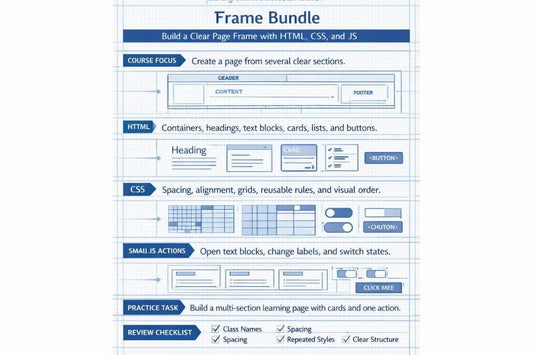
Frame Bundle
Regular price €120,00 EURRegular price -
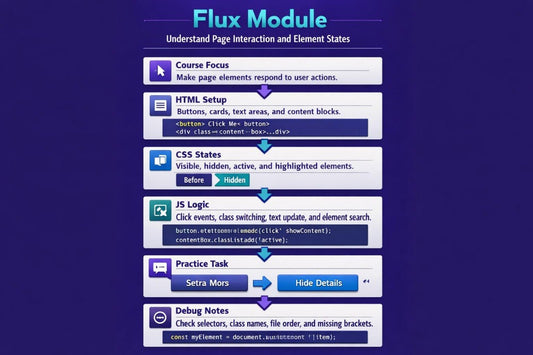
Flux Module
Regular price €175,00 EURRegular price -
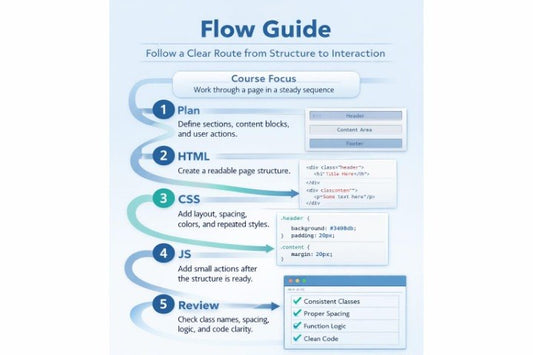
Flow Guide
Regular price €195,00 EURRegular price -
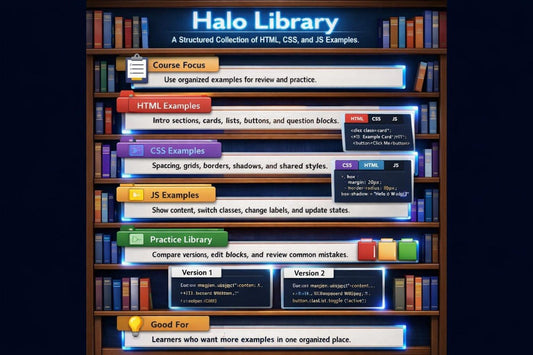
Halo Library
Regular price €205,00 EURRegular price -
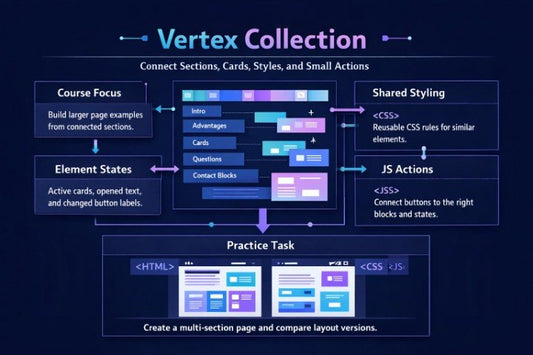
Vertex Collection
Regular price €220,00 EURRegular price -
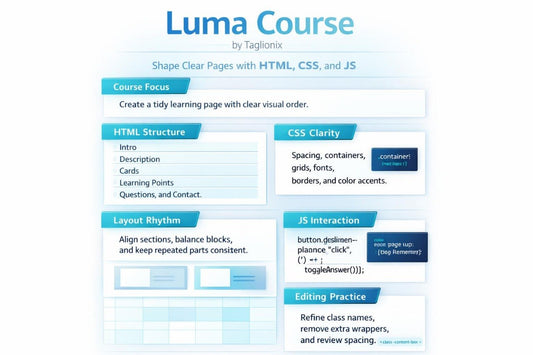
Luma Course
Regular price €250,00 EURRegular price








People Who Care About Order in Code
-

Matthew Higgins
Interface State Developer
He works with element states:
opened blocks, active buttons,
hidden text, and changed labels.
She shows how CSS classes can
control appearance without extra
complexity. Her examples fit topics
where HTML, CSS, and JS need to
work together. -

Alexandra Massey
Practice Page Developer
Alexandra creates learning
pages with several sections
forpractical work. She connects
headings, text, cards, buttons, and
small JS actions into one calm
route. Her tasks help readers
understand a page as one
structure. -

Kellie Boyle
Front-End Exercise Developer
Kellie prepares HTML, CSS, and JS exercises for gradual topic review.
She prefers short tasks
where each step has a clear
purpose. Her examples help learners work with code carefully and without
unnecessary rush.


Get Free



30-days refund guarantee
Discover on all device


Learning Stories
-

Vera Vogel
Vera had a basic understanding of HTML,
but JS felt separate from the rest of the page.
The examples where a button, class, CSS state, and small
action are explained as one scheme helped her follow
the logic more comfortably.“Seeing HTML, CSS, and JS connected in one small example made the logic much easier to follow.”
-

Cliff Clements
Cliff already knew basic tags and a few CSS properties,
but he felt unsure when he needed to bring cards,
buttons, and sections into a tidy layout.
The format with short explanations, code examples, and
structure review checklists was especially useful for him.“The checklists helped me slow down and see what each part of the page was doing.”


Preview Courses
As seen on


How We Began
4 Course Benefits
-

Clear Structure
Each course follows
a sequential topic
order: from HTML foundations to CSS styling and small
JS actions. -

Practice Tasks
The materials include
exercises that help
learners review
topics through
their own work
with code. -

Code Reading
The courses guide
learners not only through
writing code, but also
through reading page
structure, styles, and
action logic carefully. -

Offline Study
After downloading
the materials,
learners can study
at their own pace
without a constant
internet connection.


